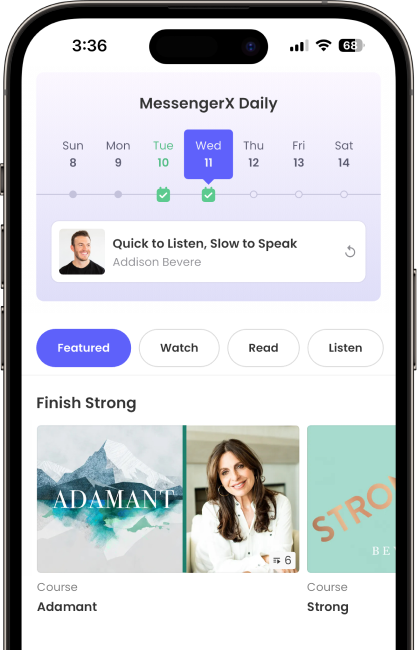
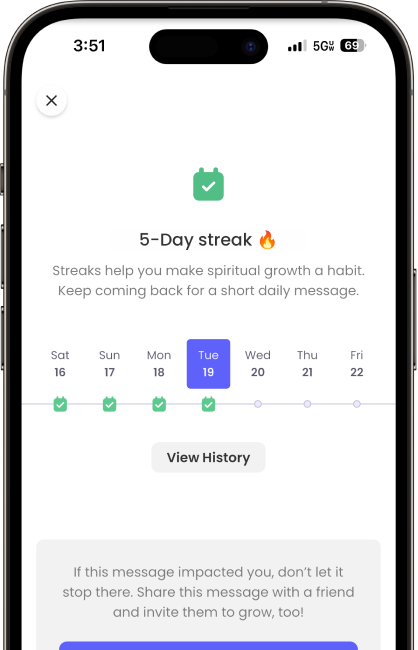
MessengerX is here to help you cut out the noise in your life and focus on what matters most—your relationship with God.
“What an amazing resource this is for anybody me who wants to strengthen their relationship with God. And it’s free! I have found so much treasure already. Thank you!”
★★★★★
Ashcar7
Dec 20, 2024
“I’ve had a lot of resources for Christian faith and growth, but none of them are like this. This is absolutely game changing stuff if you want your faith to grow get this app and pray.”
★★★★★
Peteboy16
Nov 17, 2024
“Every Christian NEEDS This! There are much Holy Spirit inspired content here! Don’t even hesitate, just download it and share with others ASAP🙏🏽🔥”
★★★★★
Curtis “Raza” Marsh
Oct 15, 2024
“Excellent Resource! MessengerX provides a wealth of content that is designed to help you grow in your faith and walk with Jesus.”
★★★★★
Jimbo from PA
Sep 21, 2024
“I love this app, it honestly helps me focus on God more. It’s helped me get out of social media. Thank you for creating this app! 🫶”
★★★★★
pearliis
Mar 26, 2024
“I absolutely love this app. If you are new to the resources contained, they are some of the highest quality, scripturally sound and challenging content you will encounter. What I appreciated even more is they are organized well and no-cost. Incredible!”
★★★★★
jeweston
Dec 28, 2023
“This is the absolutely best app out there! Sound Biblical teaching and resources!”
★★★★★
Cheerforme
Jul 22, 2023
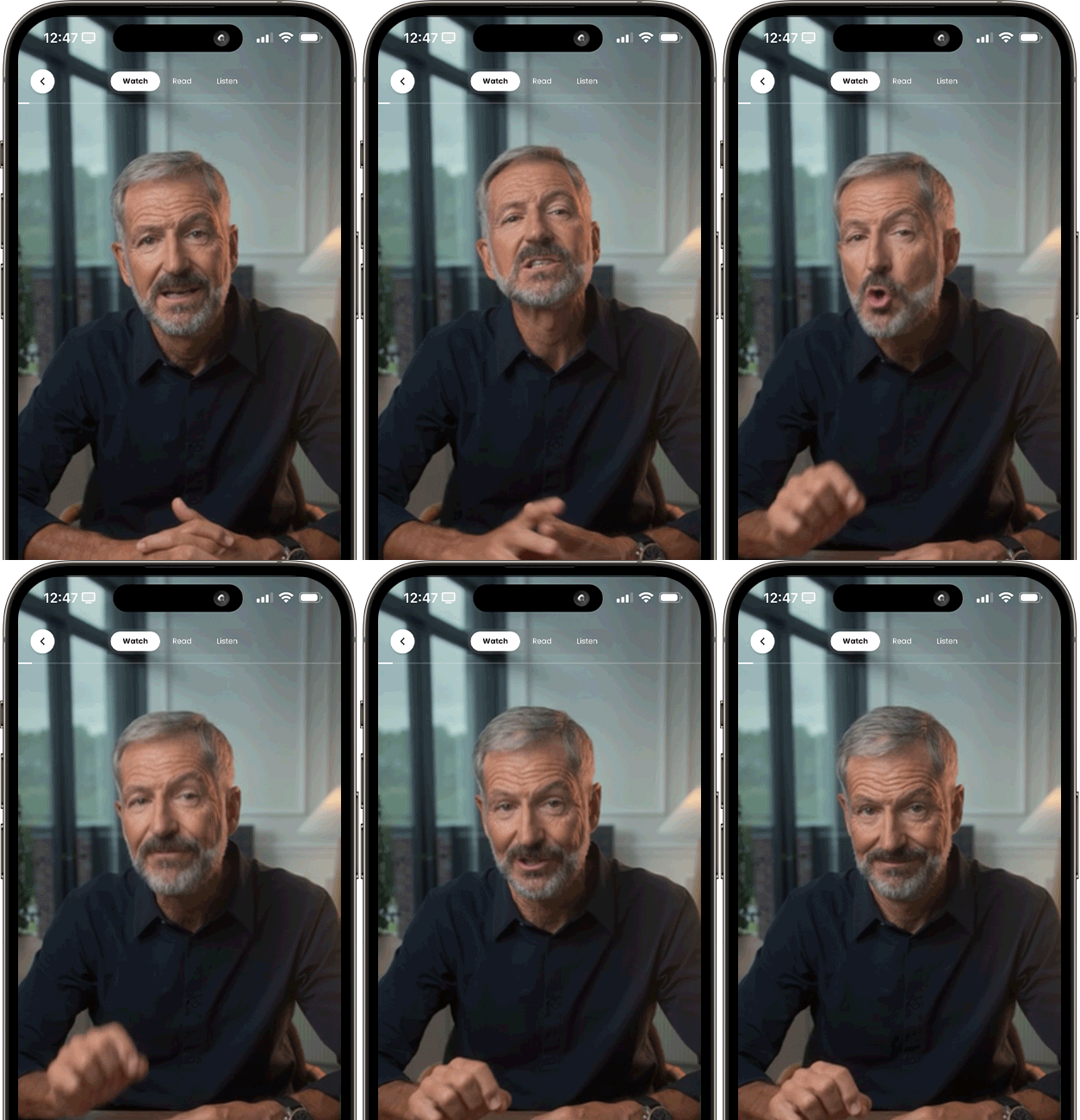
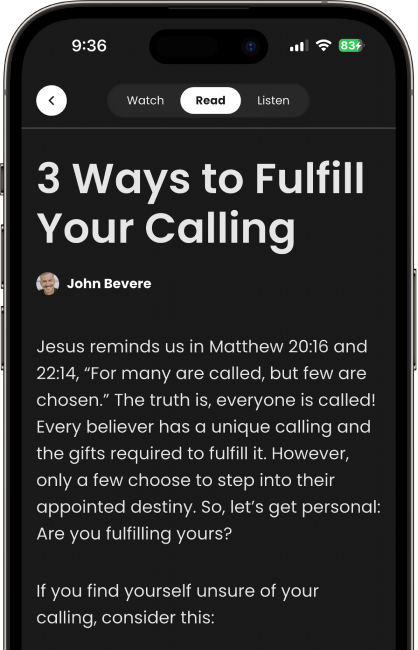
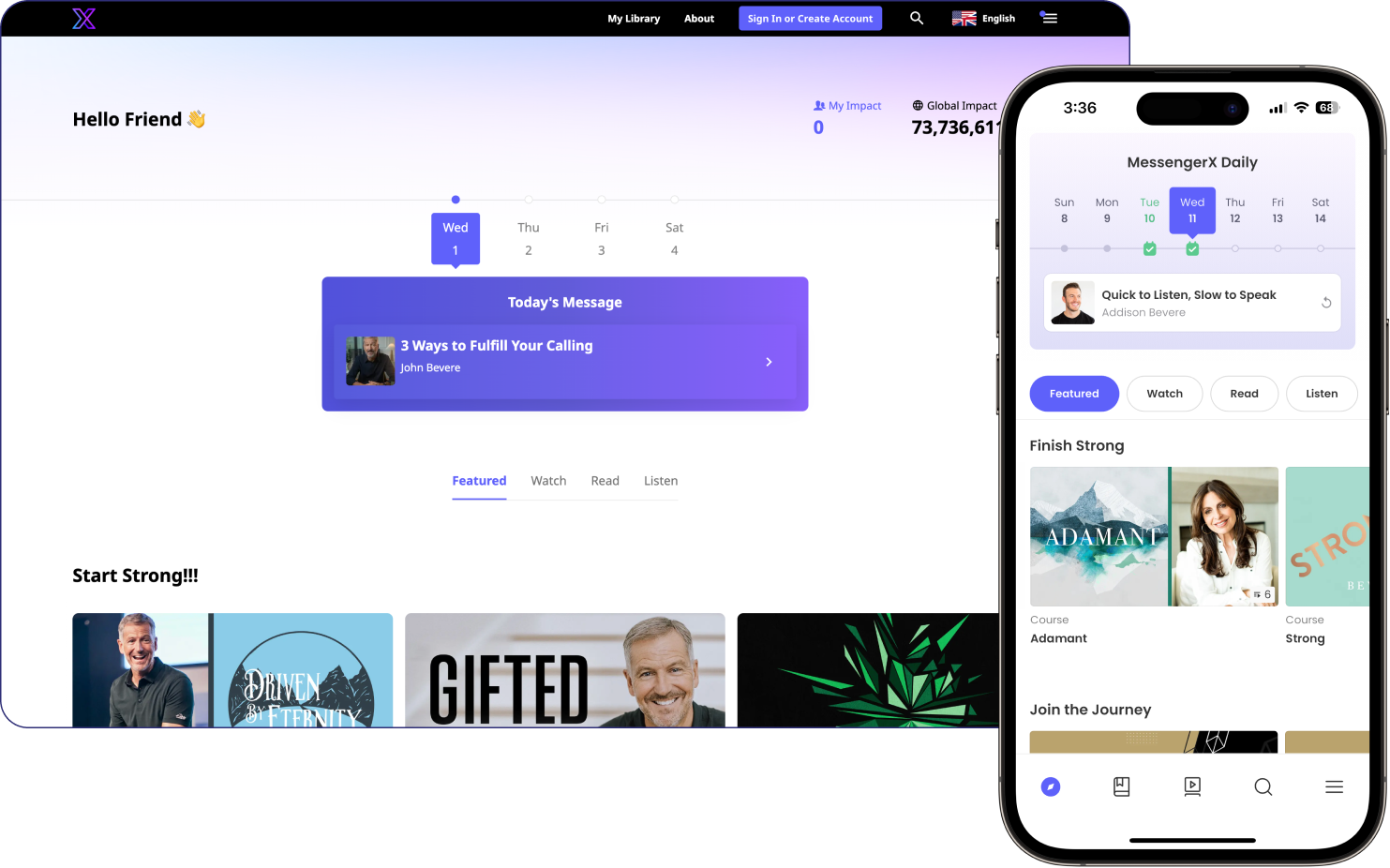
MessengerX is the app from Messenger International where you can watch, read, and listen to resources that help you grow in your faith, all in one place.
Yes. All of the content in the app is free to use. Monthly giving to the mission is optional and is never required to watch, read, or listen.
No. You can use the app as a guest and still access all of the content. Creating an account is free and adds a few extras: you can save items to your library, see your history, save content to use offline, and keep a profile.
MessengerX is available in many languages. You can change the app’s language in the Menu. In Account Settings (tap the profile icon, then the gear icon) you can set a primary and a secondary language, and in Search you can filter to show only content available in the language you choose.
MessengerX is available for iPhone and iPad, for Android, and on the web at app.messengerx.com.
You can continue with your email address, with Google, or with Apple. With email, we send you a confirmation email, and tapping the link in it signs you in, so there is no password to remember. If you are new, the email link takes you to a short account setup.
Try these in order:
MessengerX serves many nations and people groups, some who face challenges that make providing an email address dangerous, or where having an email address is uncommon. For these users, we have made it possible to create an account without an email, so that everyone, everywhere can have access to bold biblical teaching.
If you create an account without an email address, some personalized features (such as favorites) will not be available. But our entire content library remains available for all types of users. You can create an account at any time from the profile menu in the top right corner.
Only your first name and your email address. Everything else, including last name, languages, gender, and birth date, and interests is optional.
Yes. Tap the profile icon, then the gear icon (Account Settings), and update your email. This also changes the email you use to sign in.
Yes. MessengerX has groups. You can create or join a group, add members, track progress together, send high fives, and set a daily reminder.
To create a group tap the resource you are interested in, then tap ‘Watch with Friends’. Tap Invite Friends, then Copy Link or Send Invite Link to share it with friends. Go back to the resource and you will see a group bar at the top of the resource.
Yes. MessengerX works with Apple CarPlay for daily content, listening resources, and podcasts.
Yes. When you share a resource, you can use a QR code that someone can scan to open it. or you can share from the menu on the left side.
Yes. You can turn notifications on or off for each podcast show.
No. Every resource is free, and giving is always optional and appreciated.
You need an account to give. If you are using the app as a guest, you will be asked to create one first. Then open the Menu, tap Donate, and choose Monthly. Enter an amount or use the slider, then give with Apple Pay or a debit or credit card.
Tap the profile icon, then the gear icon, then My Monthly Support. There you can see your giving history, update your card or billing information, change your monthly amount, or cancel.
You may have given using a different email address than the one you are signing in with. Try signing in with other email addresses you use. If you still cannot find it, contact us through Support with every email address you may have used, and we will help.
Copyright © 2021 Messenger International, Inc. All rights reserved.